Expenses

Takings are not profit until the spending is in the same picture.

Log what you spend as you spend it, and watch it come straight off the day’s number — so the figure you close on is the real one.

Same day

not month end

Revenue − spend

is the headline number

1 click

to export the lot

Write it down when it happens, not on Sunday.

A crate of drinks, a plumber, a new controller. Recorded in seconds with an amount and a description, and never allowed to be blank or zero.

  • An amount and a plain description — that is the whole form
  • Recorded against the day it happened
  • Every entry carries who logged it
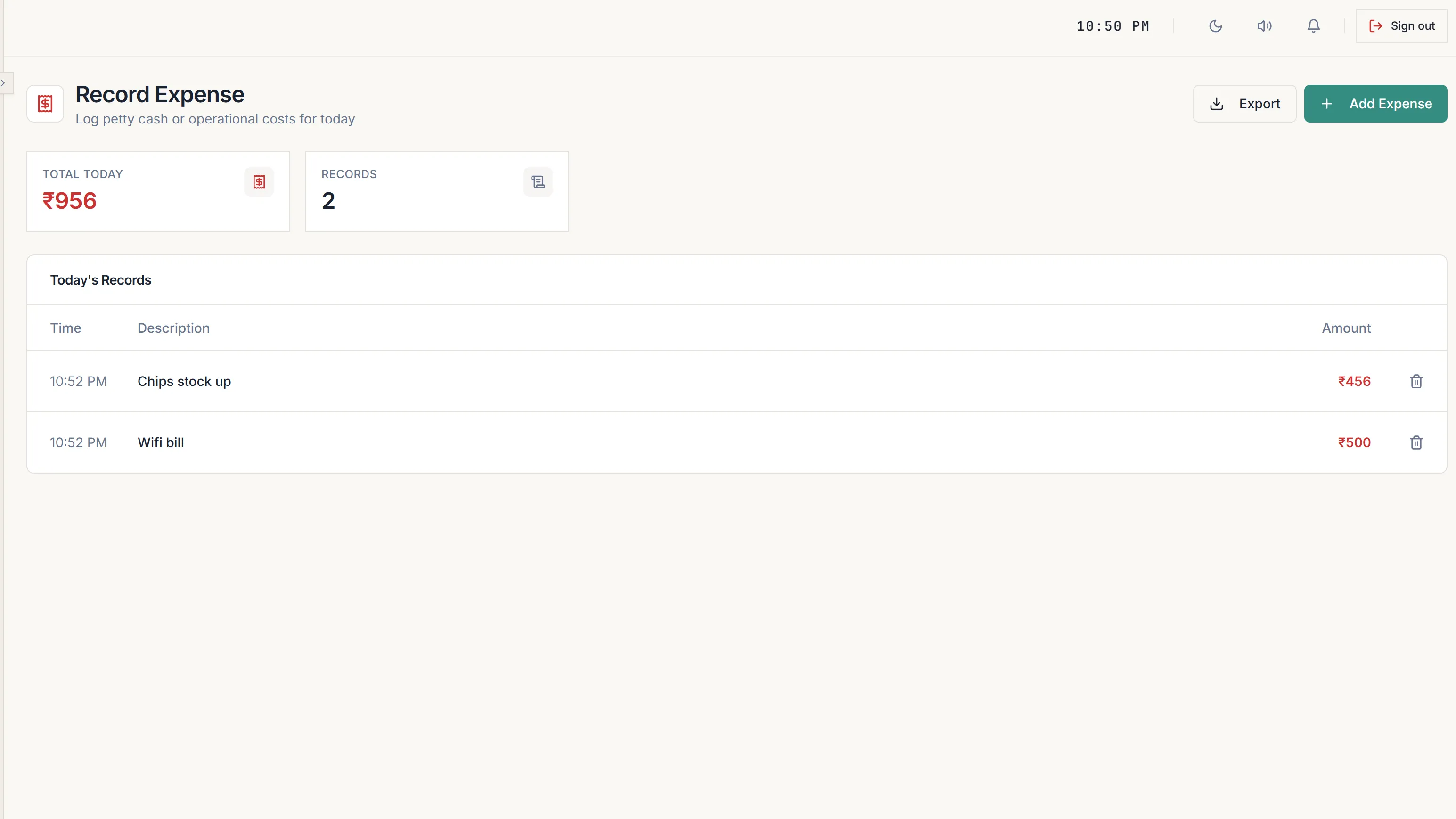
The Record Expense screen with today total, the number of records, and each expense listed with its time and amount.

Profit is revenue minus what you actually spent.

Most software will happily show you a big takings number and let you assume it is profit. This one puts them next to each other.

How the day adds up

Revenue
Gaming + products + café, after discounts
Expenses
Everything logged for the period
Net profit
Revenue minus expenses, shown as the headline
Against last
Each figure compared to the period before

A loss shows up as a loss.

If a day cost more than it earned, the number goes negative and turns red. It is not buried on a second screen or rounded to zero.

  • Net profit can be negative, and it is shown that way
  • The trend chart plots revenue against expenses on the same axis
  • A spike in spending is visible the day it happens
  • Expenses export to CSV like every other report

What you get with expenses & true profit

  • Record expenses
  • Daily expense log
  • Net profit
  • Revenue vs expenses trend
  • Period comparison
  • CSV export

Thirty days free. Then decide.

No card to give us, nothing to pay, and no contract to sign before it. Stop at any point in the 30 days and you owe nothing.

Would rather just talk? Chat on WhatsApp.

‘PlayVerse has really saved our time. Managing the café is much easier now.’
Imran Legacy 8

30 days free

Start your free trial

Tell us about your venue. We set it up with you on a 10-minute call — your devices, your rates, your menu — and the 30 days start there.

Use it, feel the difference and only then pay for it!